Leak sensor + hub
Where to put a leak sensor and what hub it needs.
Start with one everyday problem. Explore Home Assistant basics, door reminders, leak sensors, lighting and garden automation with a Pacific Northwest perspective.
Find your first automation ↗A little smarter. A lot more living.Our 12-page printable guide ($15+) for homes west of the Cascades: first 30 days, wet-season prep, crawl space and leak-sensor checks, outage prep and a month-by-month calendar.
Get the guideWhere to put a leak sensor and what hub it needs.
Four motion-triggered setups for porches, paths and hallways.
Start with one lamp before buying more gadgets.
Choose the project before the product. Check compatibility, complete cost and the simpler alternative.
Eight practical smart-home gift ideas for busy families, with compatibility checks, budget alternatives and honest total-cost guidance.
Read the guide ↗
Eight useful smart-home and garden automation gifts for a dad who enjoys fixing things, with clear setup checks and lower-cost alternatives.
Read the guide ↗
Compare four motion-triggered lighting setups for dark Pacific Northwest evenings, including indoor night lights and outdoor Hue requirements.
Read the guide ↗
Compare Rachio 3, Rain Bird ST8O-2.0, Orbit B-hyve XR and Rachio's hose timer, with zone, system and seasonal checks.
Read the guide ↗Choose a routine that already happens in your house. Then make one part easier.
A simple plan for fewer “did someone close that?” moments, without constant alerts.
Read the guide ↗
Build a gentle evening routine with the lights you actually use.
Read the guide ↗
Before you buy another device, choose your problem, platform, and fallback.
Read the guide ↗
Choose useful leak-sensor locations, understand hub requirements, and test the alerts your household will rely on.
Read the guide ↗
Start with one lamp, test power recovery, and build smart-plug routines your family can understand and override.
Read the guide ↗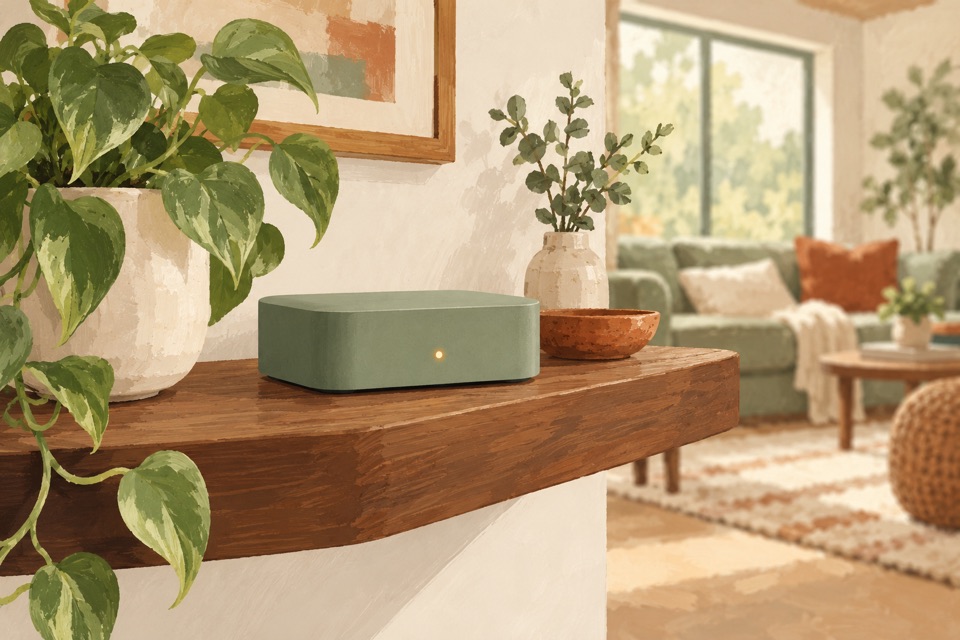
Understand what Home Assistant Green does, when you need a separate radio, and how to start with one useful routine.
Read the guide ↗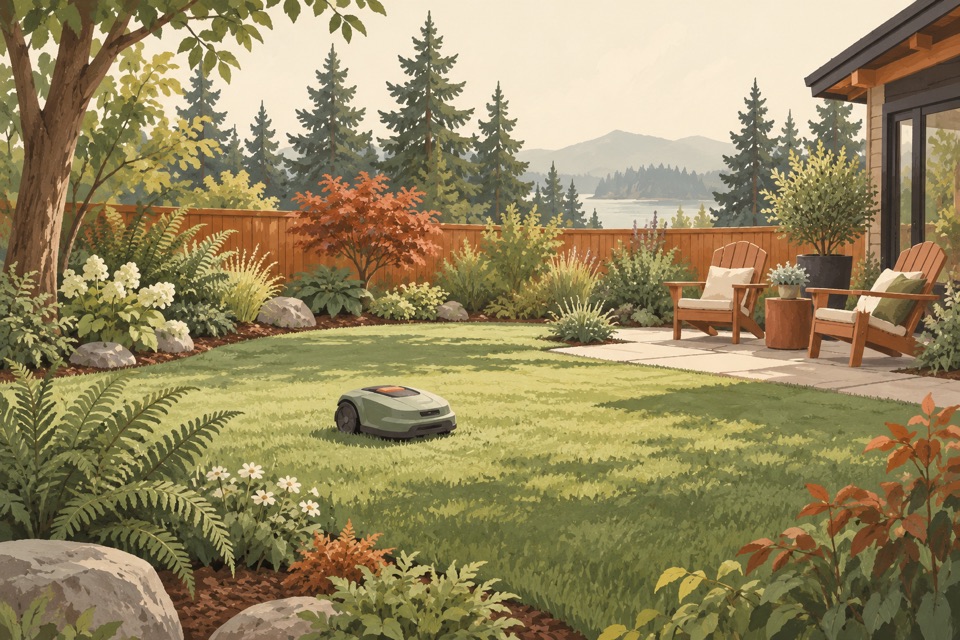
Robot mowing is established in Sweden and still developing in the U.S. The biggest reason to consider it may be more time for family, hobbies, and enjoying your yard.
Read the guide ↗
Start with your phone, check your library, and compare membership terms before adding a subscription.
Read the guide ↗
Four worksheets to plan one useful routine, check compatibility and measure whether it saves time. No signup needed.
Use the free planner ↗The dishwasher filter. The blade that needs care. The checks nobody put on the calendar. Start with one everyday annoyance and find the job behind it.
Check 15 overlooked household maintenance jobs, from dishwasher and vacuum filters to dryer vents, slow drains and water-heater trip settings.
Plan 15 yard-care jobs beyond mowing: fertilizer math, soil testing, blade service, irrigation checks, tool care and winter storage.
A practical checklist for GFCIs, alarm dates, cords, power strips and outlet warning signs, with clear limits on homeowner checks.
Learn 15 knife-care habits: honing versus sharpening, choosing compatible tools, washing, drying, cutting surfaces and secure storage.
You don’t need to automate everything. Pick the everyday friction that bothers you most.
Useful tools, simpler yard routines, and approachable DIY.
Thoughtful household and family products for everyday life.
A practical starting point, then a guide for the details.
Choose one repeated household task, such as turning off a lamp or reminding someone that a door is still open. List the devices you already own, check compatibility, and keep a manual way to do the task. Try one routine before expanding.
Plan your first smart home purchase ↗It depends on your devices. Home Assistant Green runs Home Assistant, but a compatible radio or hub is needed to connect Zigbee devices. Check the integration and exact device model before buying an accessory.
Read the Home Assistant Green beginner guide ↗Source: Home Assistant Green documentation.
A contact sensor reports that the door is open. Your controller waits for a chosen delay, checks that it is still open, then sends a reminder. The routine should cancel or skip the reminder if the door closes. Test the complete alert path; delivery depends on your setup.
Plan a door-left-open reminder ↗Reference: Home Assistant automation triggers.
No. An on/off smart plug switches power; it does not add dimming. For brightness control, choose a compatible dimmable bulb or a device specifically designed for dimming, and check the lamp and device instructions. Start with a suitable lamp you already own.
Explore three practical smart-plug routines ↗Naturally Automated is published by Pacific Northwest Partners LLC for busy families, with a Pacific Northwest perspective.
Naturally Automated is about giving busy families a practical starting point. Every guide begins with a real task, explains the tradeoffs, and makes clear what to check before buying.
These launch guides are planning guides, not hands-on product reviews. We won’t claim to have tested a product unless we have. Shopping links are affiliate links and are disclosed beside them.
For model-specific capabilities, follow the manufacturer’s current documentation. Our guides explain compatibility checks, simpler alternatives and manual fallbacks. Send a question or correction.
Homepage updated .